
Table of Contents
ToggleVirtual reality tools have changed how people interact with digital content. These tools create immersive experiences for gaming, training, education, and professional applications. The VR industry continues to grow as hardware becomes more affordable and software more accessible. This guide covers the essential virtual reality tools available today. Readers will learn about VR hardware, software platforms, and how to select the right tools for their needs.
Key Takeaways
- Virtual reality tools combine hardware (headsets, controllers, tracking systems) and software to create immersive digital experiences across gaming, training, education, and professional industries.
- Standalone VR headsets like Meta Quest 3 offer easy setup without external computers, while PC-tethered options like Valve Index deliver higher performance for demanding applications.
- Unity and Unreal Engine are the leading development platforms for creating virtual reality tools, each offering unique strengths in flexibility and visual fidelity.
- When choosing VR equipment, define your purpose first—casual gaming, professional training, and content development each require different virtual reality tools.
- Budget for VR ranges from $300 for entry-level standalone headsets to over $2,000 for high-end PC setups, so factor in all components including processing hardware.
- Consider your physical space, technical requirements, and software compatibility before purchasing to ensure the best VR experience for your needs.
What Are Virtual Reality Tools?
Virtual reality tools are hardware and software systems that create simulated environments. Users experience these digital spaces through specialized devices that track movement and display 3D visuals. The goal is full immersion, making users feel present in a virtual world.
VR tools fall into two main categories. Hardware includes headsets, controllers, and tracking systems. Software covers applications, development platforms, and content creation programs. Both work together to produce the VR experience.
Modern virtual reality tools serve many industries. Gamers use VR for interactive entertainment. Medical professionals train with surgical simulations. Architects walk through building designs before construction begins. Educators create virtual field trips for students. Each use case requires specific combinations of VR hardware and software.
The technology has advanced significantly since early prototypes. Current virtual reality tools offer higher resolution displays, faster refresh rates, and more accurate motion tracking. Standalone headsets now eliminate the need for external computers in many applications. These improvements have made VR more practical for both consumers and businesses.
Essential VR Hardware Components
Successful VR experiences depend on quality hardware. Each component plays a specific role in creating immersion.
VR Headsets
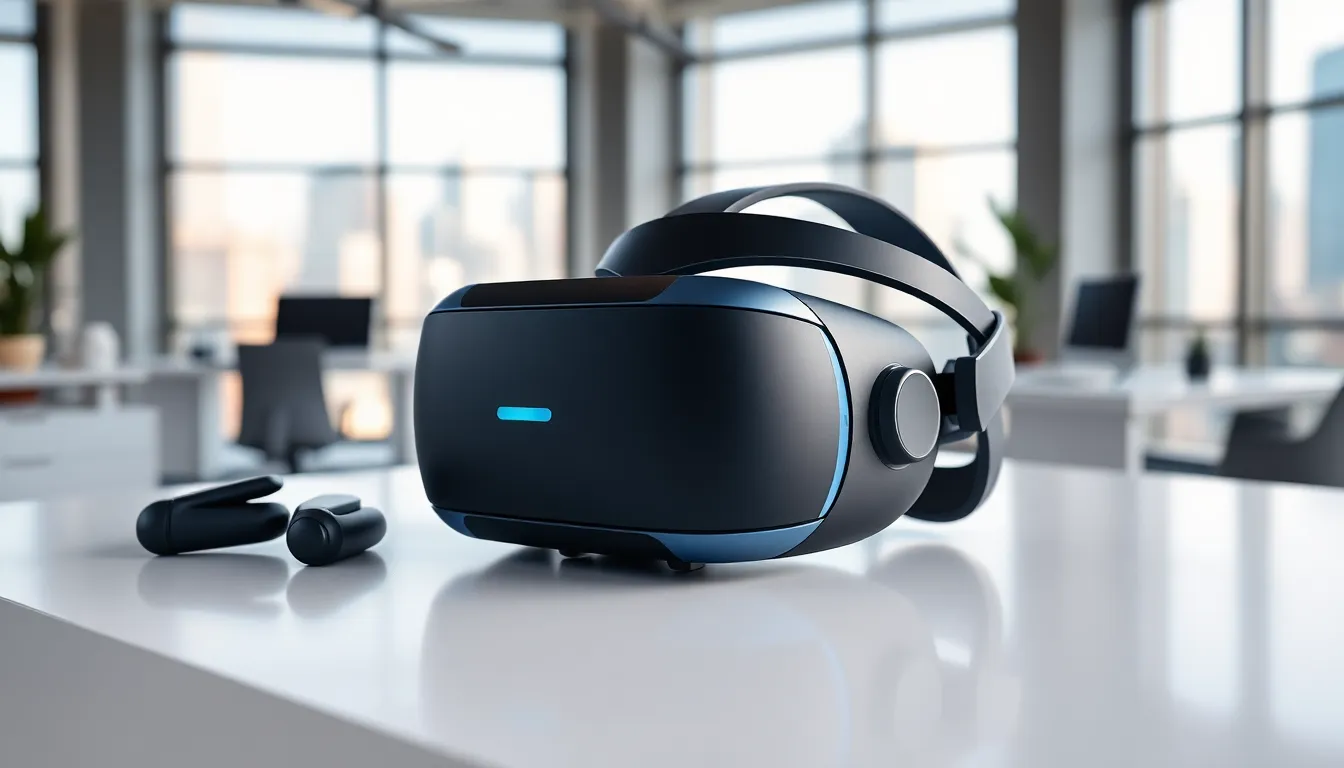
The headset is the central piece of any VR setup. It contains displays that show separate images to each eye, creating stereoscopic 3D vision. Major options include:
- Meta Quest 3: A standalone headset with inside-out tracking. It runs applications independently or connects to a PC for more demanding software.
- PlayStation VR2: Sony’s console-based headset offers eye tracking and haptic feedback.
- Valve Index: A PC-tethered option known for high refresh rates and precise finger tracking controllers.
- Apple Vision Pro: Apple’s entry combines VR with augmented reality features.
Controllers and Input Devices
Virtual reality tools need input devices for interaction. Most headsets ship with motion controllers that track hand position and orientation. These controllers include buttons, triggers, and thumbsticks for various inputs.
Hand tracking has become a standard feature on newer headsets. Cameras on the device detect finger movements without physical controllers. This approach works well for certain applications but lacks the tactile feedback of traditional controllers.
Tracking Systems
Tracking determines how the system monitors user movement. Inside-out tracking uses cameras mounted on the headset itself. Outside-in tracking relies on external sensors placed around the play area. Most current virtual reality tools use inside-out tracking for easier setup.
Processing Hardware
Standalone headsets contain their own processors. PC-based VR requires a compatible computer with a capable graphics card. The processing power available affects visual quality and application complexity. High-end virtual reality tools often demand recent hardware to reach their full potential.
Top VR Software and Development Platforms
Software brings virtual reality tools to life. Users need applications for their chosen activities, while developers need platforms to create new experiences.
Consumer Applications
VR software spans entertainment, productivity, and social experiences. Popular categories include:
- Gaming: Titles like Beat Saber, Half-Life: Alyx, and Resident Evil 4 VR showcase gaming possibilities.
- Social Platforms: VRChat and Rec Room let users meet and interact in virtual spaces.
- Fitness: Supernatural and FitXR turn workouts into engaging VR activities.
- Media: Applications for watching movies, exploring virtual museums, and attending live events.
Development Platforms
Creators building virtual reality tools have several platform options:
Unity remains the most popular engine for VR development. It supports all major headsets and offers extensive documentation. Many developers choose Unity for its flexibility and large asset store.
Unreal Engine provides powerful graphics capabilities. Studios creating high-fidelity experiences often select Unreal for its visual quality. The engine handles complex lighting and materials well.
WebXR enables VR experiences in web browsers. Users access content without installing applications. This approach lowers barriers for casual VR users.
Content Creation Tools
Specialized software helps creators build VR assets and environments. Blender produces 3D models that import into VR projects. Substance Painter creates realistic textures. Gravity Sketch allows designers to build 3D objects directly in VR space.
These virtual reality tools give developers complete control over their projects. The combination of game engines and creation software covers most development needs.
How to Choose the Right Virtual Reality Tools
Selecting virtual reality tools requires matching equipment to intended use. Several factors influence the best choice for each situation.
Define Your Purpose
Start with the primary application. Gaming setups differ from professional training systems. A consumer wanting casual VR games needs different virtual reality tools than a company building employee simulations. Clear goals narrow the options quickly.
Set a Budget
VR costs range widely. Entry-level standalone headsets start around $300. High-end PC setups with premium headsets exceed $2,000. Development work may require additional software licenses. Factor in all components when planning purchases.
Consider Physical Space
VR experiences need room for movement. Some applications work while seated. Others require standing or walking. Measure the available play area before buying virtual reality tools. Smaller spaces suit experiences designed for limited movement.
Evaluate Technical Requirements
Standalone headsets work independently. PC-based VR needs compatible hardware. Check specifications before purchasing. Insufficient processing power leads to poor performance and motion sickness.
Research Software Availability
The best virtual reality tools support the applications users want. Some games and programs run only on specific platforms. Verify that desired software works with chosen hardware.
Plan for Future Growth
VR technology advances rapidly. Buyers should consider upgrade paths. Some virtual reality tools offer modular components. Others require complete replacement when upgrading. Flexibility matters for long-term investment.


