
Table of Contents
ToggleVirtual reality tips can transform an average VR session into something truly immersive. Whether someone just unboxed their first headset or they’ve been exploring digital worlds for years, a few smart adjustments make all the difference. VR technology has come a long way, but getting the best experience still requires some know-how. From setting up the perfect play area to avoiding that queasy feeling mid-game, this guide covers the essentials. These practical virtual reality tips will help users maximize comfort, performance, and enjoyment every time they strap on a headset.
Key Takeaways
- Set up a clear play area of at least 6.5 x 6.5 feet with good lighting and accurate boundary settings to ensure safe, immersive VR sessions.
- Prevent motion sickness by starting with stationary experiences, using teleportation movement options, and limiting initial sessions to 15-20 minutes.
- Optimize your headset’s refresh rate (90Hz or higher) and adjust IPD settings to reduce eye strain and maintain smooth performance.
- Clean VR lenses only with microfiber cloths, and store your headset away from direct sunlight to prevent permanent display damage.
- Explore diverse VR content—from fitness apps like Supernatural to productivity tools like Virtual Desktop—to get the most value from your headset.
- Apply these virtual reality tips consistently to maximize comfort, protect your equipment, and enhance every VR experience.
Set Up Your VR Space Properly
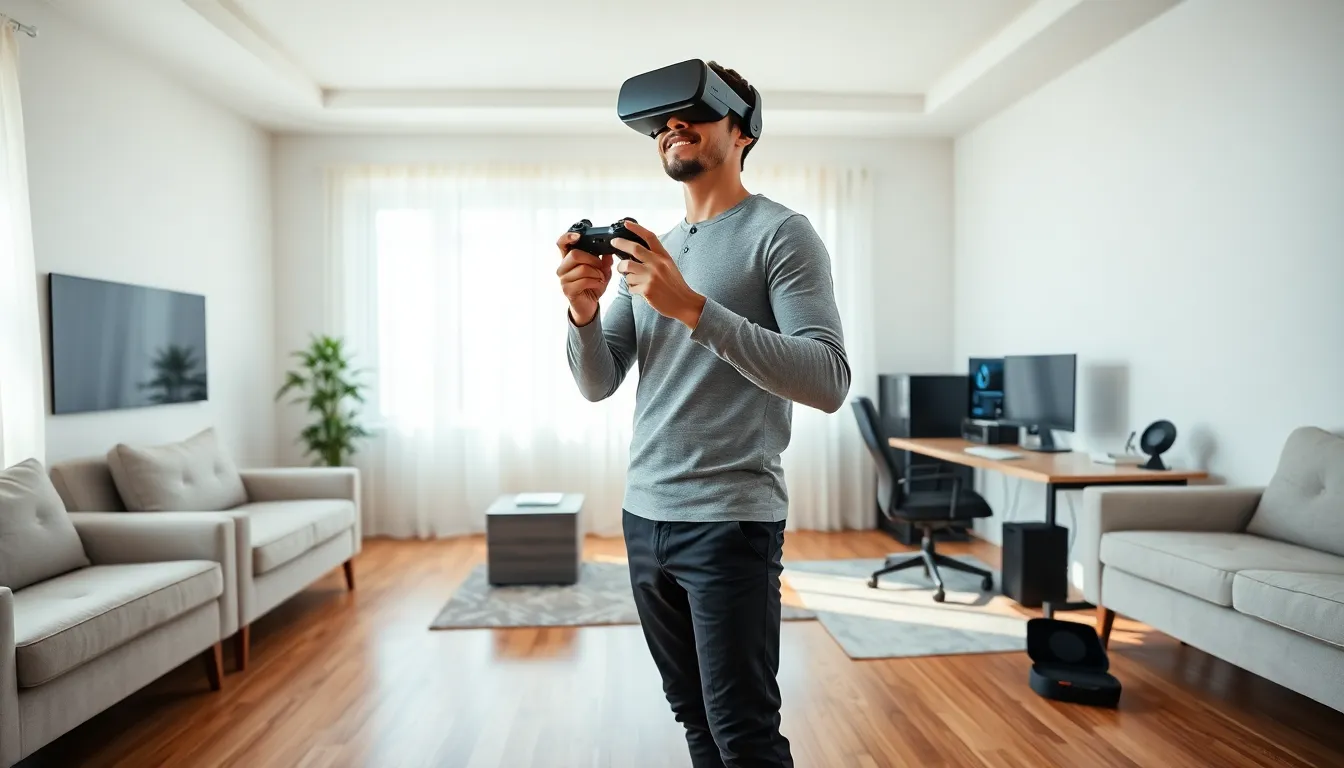
A good VR experience starts with the right space. Users need a clear, open area free of furniture, pets, and anything they might trip over. Most headsets recommend at least 6.5 feet by 6.5 feet of open floor space for room-scale experiences. More space means more freedom to move without breaking immersion, or breaking a lamp.
Lighting matters too. Tracking systems on headsets like the Meta Quest 3 or PlayStation VR2 work best in well-lit rooms. Avoid direct sunlight hitting the headset lenses, though. Sunlight can damage the displays permanently.
Users should mark their play boundaries carefully. Most VR systems include a guardian or boundary feature that shows virtual walls when someone gets too close to real obstacles. Taking an extra minute to set this up accurately prevents accidental punches to TVs and walls. Trust us, replacement controllers aren’t cheap.
For seated experiences, a swivel chair works great. It allows 360-degree movement without tangling cables or losing orientation. Just make sure the chair has no armrests that could interfere with hand tracking or controller movements.
Prevent Motion Sickness and Discomfort
Motion sickness is the fastest way to ruin a VR session. It happens when the eyes see movement that the body doesn’t feel. The brain gets confused, and nausea follows. Fortunately, several virtual reality tips can minimize or eliminate this problem.
New users should start with stationary experiences. Games and apps where the player stays in one spot cause far less discomfort than those involving artificial locomotion. Titles like Beat Saber or Superhot VR keep players grounded while still delivering excitement.
When ready to try movement-based games, teleportation options help. Many VR games offer teleport movement as an alternative to smooth locomotion. This method reduces the disconnect between visual movement and physical stillness.
Session length matters. Beginners should limit VR time to 15-20 minutes initially. As the brain adapts, users can gradually extend sessions. Pushing through discomfort doesn’t build tolerance, it just makes people feel awful.
A fan pointed at the play area provides a constant physical reference point. The airflow reminds the body where “real” is, which can reduce disorientation. Ginger supplements or candies before sessions help some people too. And if nausea hits, stopping immediately is the smart call. The virtual world will still be there tomorrow.
Adjust Settings for Optimal Performance
Performance issues kill immersion faster than almost anything else. Frame drops and lag don’t just look bad, they can trigger motion sickness. These virtual reality tips for settings optimization ensure smooth, comfortable gameplay.
Refresh rate should be as high as the headset allows. A 90Hz or 120Hz refresh rate produces smoother visuals than 72Hz. Most modern headsets let users adjust this in the settings menu. Higher refresh rates demand more processing power, so users should balance this against their hardware capabilities.
For PC VR users, graphics settings matter enormously. Lowering supersampling, shadows, and anti-aliasing can dramatically improve frame rates. A stable 90 frames per second at medium settings beats a stuttering 45 fps at ultra settings every time.
IPD (interpupillary distance) adjustment is often overlooked. This setting matches the headset’s lenses to the distance between the user’s eyes. Incorrect IPD causes blurry visuals and eye strain. Most headsets have either a physical slider or software adjustment for this.
Audio settings deserve attention too. Spatial audio enhances immersion significantly. Users should ensure their headset’s audio is set to the highest quality option available. External headphones often provide better sound than built-in speakers, especially for headsets with basic audio hardware.
Take Care of Your VR Equipment
VR headsets aren’t cheap, and proper maintenance extends their lifespan considerably. A few simple habits keep equipment working like new.
Lens care is critical. Users should clean lenses only with microfiber cloths, never paper towels, tissues, or shirt sleeves. These materials can scratch the delicate coatings. For stubborn smudges, lens cleaning solutions designed for optical equipment work best. Never spray liquid directly on lenses.
Facial interfaces absorb sweat during intense sessions. Removable, washable covers exist for most popular headsets. Users should clean or replace these regularly. Nobody wants to put on a headset that smells like yesterday’s workout.
Battery care matters for standalone headsets and controllers. Keeping batteries between 20% and 80% charge extends their overall lifespan. Letting them drain completely or stay at 100% for extended periods degrades battery health over time.
Storage requires thought. Users should store headsets in cases or covered areas away from direct sunlight. Even brief sun exposure through lenses can burn the internal displays. Controllers should be stored with wrist straps loosely attached to prevent stress on connection points.
Cable management helps PC VR users. Overhead pulley systems keep cables off the floor and reduce tangling. This small investment prevents trips and extends cable life.
Explore the Best VR Content and Apps
Great hardware means nothing without great content. The VR landscape offers something for everyone, from heart-pounding action to peaceful meditation experiences.
For gaming, Half-Life: Alyx remains the gold standard. It shows what AAA VR development looks like. Beat Saber continues to dominate as an accessible, addictive rhythm game perfect for showing VR to newcomers. Resident Evil 4 VR delivers horror that simply can’t exist on flat screens.
Fitness apps have become a major VR category. Supernatural and FitXR turn workouts into games, making exercise genuinely enjoyable. Users burn real calories while having fun, a rare combination.
Social VR platforms let users hang out with friends regardless of physical distance. VRChat, Rec Room, and Horizon Worlds offer spaces for socializing, playing games, and attending events. These platforms especially appeal to users who want shared experiences.
Productivity applications are growing too. Virtual desktop apps let users work on giant screens in customizable environments. Immersed and Virtual Desktop turn any space into a multi-monitor office setup. Some users find they’re more focused in VR than at their actual desks.
Free experiences shouldn’t be ignored. Google Earth VR lets users fly anywhere on the planet. Many museums offer free virtual tours. These no-cost options provide excellent ways to explore VR capabilities without spending money.


