
Table of Contents
ToggleLearning how to virtual reality works doesn’t require a tech degree or a massive budget. Virtual reality (VR) has moved from science fiction into living rooms, classrooms, and offices worldwide. The technology immerses users in digital environments through specialized headsets and controllers. This guide covers everything beginners need to know, from essential equipment to setup steps and first-time tips. Whether someone wants to game, explore virtual worlds, or use VR for fitness, the journey starts here.
Key Takeaways
- Learning how to virtual reality works is beginner-friendly and doesn’t require technical expertise or a large budget.
- Essential VR equipment includes a headset, controllers, and a clear play area of at least 6.5 feet by 6.5 feet for active experiences.
- Standalone headsets like Meta Quest 3 offer the easiest entry point for beginners with wireless freedom and no extra hardware needed.
- Complete the built-in tutorial and start with stationary experiences to avoid motion sickness during your first virtual reality sessions.
- Take breaks every 20-30 minutes, use wrist straps on controllers, and keep the play area clear of obstacles and other people.
- VR skills improve quickly with practice—what feels awkward at first becomes natural within a few hours of use.
What You Need To Experience Virtual Reality
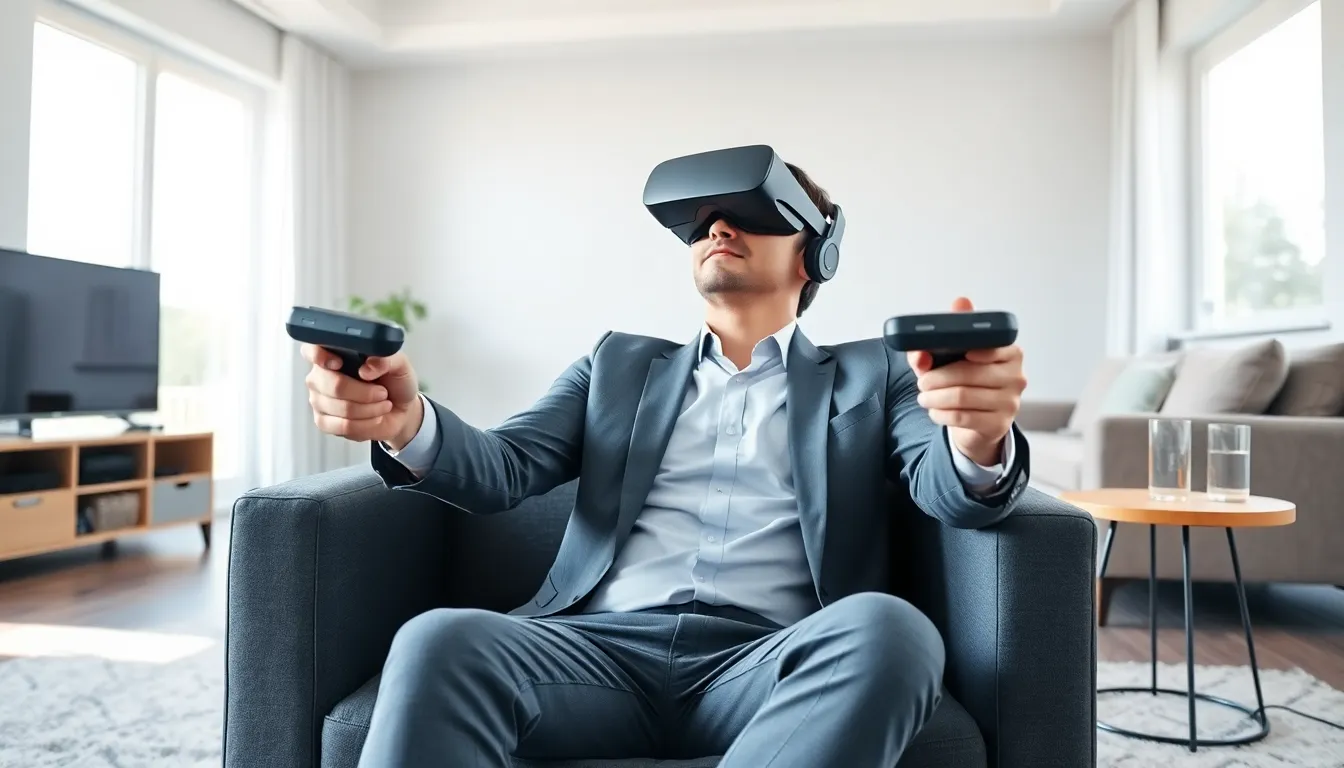
Starting with virtual reality requires a few key pieces of equipment. The most important item is a VR headset. This device fits over the eyes and displays immersive 3D visuals. Most headsets include built-in speakers or headphone jacks for audio.
Controllers come next. These handheld devices track hand movements and let users interact with virtual environments. Some systems use two controllers (one for each hand), while others rely on hand-tracking technology.
Space matters too. VR experiences range from seated activities to room-scale games that need open floor space. A minimum play area of 6.5 feet by 6.5 feet works for most active VR content. Users should clear furniture and fragile items from this zone.
Depending on the headset type, additional hardware may be necessary:
- Standalone headsets: These work independently and need no extra devices
- PC-connected headsets: These require a gaming computer with a powerful graphics card
- Console headsets: These connect to gaming systems like PlayStation
A stable internet connection helps for downloading games, apps, and software updates. Most VR platforms also require users to create an account before accessing content.
Budget plays a role in choosing equipment. Entry-level virtual reality setups start around $300, while high-end PC-based systems can exceed $1,500 when including the computer.
Types Of VR Headsets And How To Choose
The VR headset market offers several categories, each with distinct advantages. Understanding these differences helps buyers pick the right option.
Standalone VR Headsets
Standalone headsets contain all necessary hardware inside the device itself. The Meta Quest 3 leads this category in 2025, offering wireless freedom and solid performance. These headsets suit beginners well because they skip complicated setup processes. Users charge them, put them on, and start playing.
Pros: Portable, affordable, no extra hardware needed
Cons: Less powerful than PC-connected options, limited battery life
PC-Connected VR Headsets
These headsets connect to gaming computers via cable or wireless adapters. The Valve Index and HP Reverb G2 represent popular choices. PC VR delivers the sharpest visuals and most demanding experiences because it uses computer processing power.
Pros: Best graphics quality, widest game library, highest refresh rates
Cons: Expensive (requires gaming PC), less portable, more setup
Console VR Headsets
Sony’s PlayStation VR2 connects to PlayStation 5 consoles. This option works well for gamers who already own compatible hardware.
Pros: Good value for existing console owners, quality exclusive games
Cons: Limited to PlayStation platform, requires console purchase if not owned
Choosing The Right Headset
Consider these factors when selecting a virtual reality headset:
- Budget: How much can be spent on headset and any required hardware?
- Use case: Gaming, fitness, social apps, or professional applications?
- Technical comfort: Is setting up a PC system manageable, or is plug-and-play preferred?
- Space: Does the user have room for active VR or just seated experiences?
For most beginners learning how to virtual reality works, standalone headsets offer the smoothest entry point.
Setting Up Your VR System Step By Step
Setting up virtual reality equipment follows a predictable process. These steps apply to most consumer headsets.
Step 1: Charge Everything
Plug in the headset and controllers. Full charges typically take 2-3 hours. Starting with fully charged devices prevents interruptions during initial setup.
Step 2: Download Required Software
Standalone headsets guide users through setup on the device itself. PC headsets need companion software installed on the computer. Download the official app from the manufacturer’s website, Steam VR for Valve products, Oculus software for Meta devices, or PlayStation software for PSVR2.
Step 3: Create An Account
Most VR platforms require user accounts. This process involves email verification and basic profile setup. Some platforms require linking to existing accounts (like a Meta account for Quest headsets).
Step 4: Adjust Physical Settings
Fit matters for comfort and visual clarity. Adjust the head strap for a secure but comfortable fit. Move the lenses to match eye spacing, this setting is called IPD (interpupillary distance). Most headsets include a slider or digital adjustment for this.
Step 5: Define The Play Area
The headset will prompt users to set boundaries. This process involves looking around the room while the device maps the space. Draw virtual walls where real walls, furniture, or obstacles exist. The system uses these boundaries to warn users when they approach edges during gameplay.
Step 6: Complete The Tutorial
Nearly every VR platform includes a beginner tutorial. These short experiences teach basic controls, movement options, and interface navigation. Skipping the tutorial makes later experiences more confusing, it’s worth the 10-15 minutes.
Step 7: Download First Apps
Browse the headset’s app store for starter content. Many platforms offer free experiences and demos perfect for learning how to virtual reality systems respond to user input.
Tips For Your First Virtual Reality Experience
First-time VR sessions can feel overwhelming. These practical tips help beginners avoid common problems.
Start slow. Motion sickness affects many new users. Begin with stationary or seated experiences rather than games with lots of movement. Popular starter apps include Beat Saber, Job Simulator, and guided meditation experiences. Sessions of 15-20 minutes work well at first.
Take breaks. Remove the headset every 20-30 minutes during early sessions. Eyes and the vestibular system need time to adjust. If dizziness or nausea appears, stop immediately and rest.
Keep water nearby. VR can be surprisingly physical. Active games burn real calories, and the enclosed headset traps heat. Stay hydrated.
Use the wrist straps. Controllers fly out of sweaty hands more often than people expect. Wrist straps prevent broken controllers and damaged TVs.
Warn others in the room. People wearing VR headsets can’t see their surroundings. Household members and pets should know when someone is using VR to avoid collisions.
Clean the lenses carefully. Use only microfiber cloths on VR lenses. Paper towels and clothing fabrics scratch the coating. Dirty lenses reduce visual quality significantly.
Experiment with comfort settings. Most VR games include options for different movement styles. Teleportation movement causes less motion sickness than smooth locomotion. Vignette effects (darkening screen edges during movement) also help sensitive users.
Join a community. Reddit’s r/virtualreality and r/oculus forums contain helpful advice from experienced users. These communities answer questions and recommend content.
Virtual reality skills improve quickly with practice. What feels strange during the first session becomes natural within a few hours of use.


